Oct 3, 2026
Why the Design Tool Preview Isn't What Gets Produced
A preview can show colours and placements your chosen method cannot produce. Confirm colour count, print size and single-colour limits before you approve an order.

Short answer: the preview shows intent, not process — it can render colours, gradients and placements your chosen decoration method cannot physically produce. Buyers approve the preview because it looks finished; the preview, however, does not know which process will run. The review-section failure is specific and recurring: a full-colour logo uploaded to a single-colour listing, previewed in full colour, printed in one — because the preview rendered whatever the file contained while the production method could only do what it can do.
Below: what each method can actually produce, the three places previews mislead, and the four fields to copy out of any preview into a written spec.

What can each decoration method actually produce?
• Method · Colour count · Gradients / photos · Where previews over-promise
• Screen print · Per-colour setup; each colour is a screen · Not natively — halftones approximate · Full-colour artwork on a screen-print listing
• DTF / transfer · Full colour · Yes · Edge quality on fine detail; hand differs from screen
• DTG · Full colour · Yes · Dark garments need underbase; colours shift from screen (
the display gap
)• Embroidery · Thread colours per design · No — flat/gradient art must be redrawn · Gradients, thin strokes, tiny text rendered as if printable
Take away: the preview renders the file; the process renders what the process can. Method choice is a design decision made *before* approval, not discovered at production.
Why did a full-colour logo print as one colour?
Because the listing's price assumed a single-colour print, and the preview — which renders images, not constraints — showed the file as uploaded. The fix is procedural: the colour count is confirmed as a spec line at order time ([XX] colours on your programme), and anything the method cannot do is redesigned or re-quoted before approval. A preview that silently renders unsupported capability is exactly why the
mockup vs sample distinction
exists: mockups confirm design decisions; samples confirm execution.Take away: never let the price bracket decide the colour count. Say the number, in writing, and make the artwork match it — or the method change to it.
What about gradients, photos and single-colour listings?
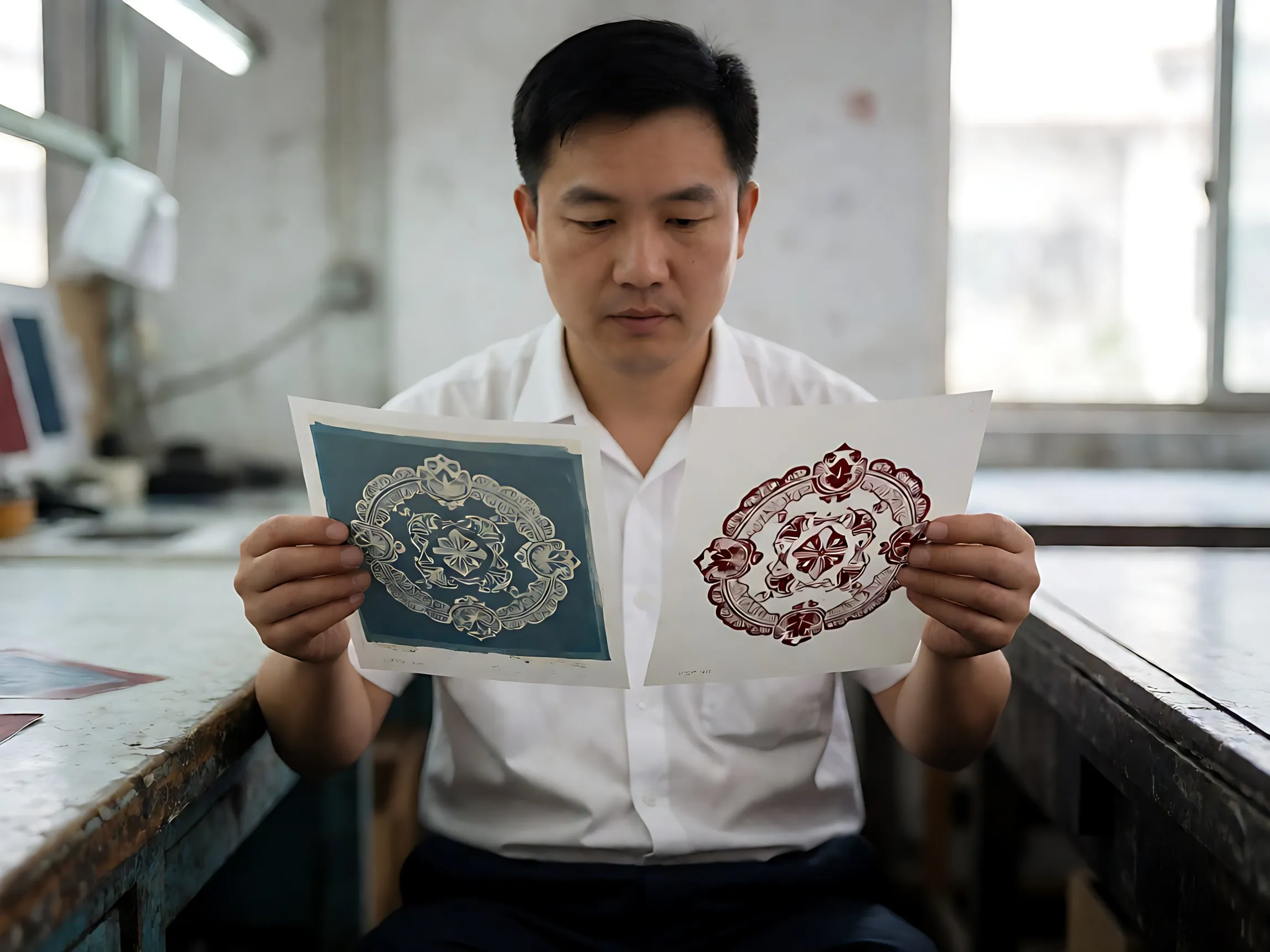
Gradients and photographic content belong to the full-colour methods — DTF and DTG — where they print genuinely well. On screen print they become halftone approximations; on embroidery they must be redrawn into thread-logic entirely. The single-colour listing that previewed a photograph is the sharpest version of the preview gap: the tool showed the impossible, the order followed the price, and the buyer blamed the printer.
True or false
✔ True: a photograph can print beautifully — on the method built for photographs. The failure is method mismatch, not content.
✘ False: a good designer can make any logo work on any method without changes. Every method imposes a redesign tax on unsuitable art — simplified marks, reduced colours, rebuilt text. Budgeting that redesign honestly is part of ordering.
How accurate is the print size in the design tool?
Treat it as approximate. The tool renders your design against a generic garment silhouette; the production size is the number in centimetres on the spec — measured on the garment, not on the screen. A design that reads balanced on a flat mockup can dominate a size S and vanish on a 2XL, which is why print size gets its own decision (
size across the run
) rather than inheriting whatever the canvas implied.Take away: copy the width in centimetres out of the tool, sanity-check it against the smallest and largest size in the run, and write the number into the spec.


Which four fields turn a preview into a spec?
1. Colour count — the number of print colours, stated, matched to the method's capability.
2. Print size — width × height in centimetres, on-garment.
3. Placement — position from a named landmark, per the
tolerance convention
.4. Artwork file — the production-ready file type (
artwork requirements
), not a screenshot of the preview.Take away: the preview is a composition tool; these four lines are the order. Everything else it shows is decoration.
Who owns the difference — preview, proof or approved sample?
Whichever document the order names as the standard. If the PO says bulk matches the approved physical sample, the sample wins and the preview was never a spec. If no standard is named, the dispute defaults to whichever party has leverage — the same argument as the
non-returnable order's written spec
. Preview-driven disputes are the cheapest to prevent: name the sample as the benchmark, and the preview returns to being what it is — a sketch.Take away: the preview gets you to a decision; the proof gets you to an order; the sample gets you to a standard. Approve accordingly.
Frequently Asked Questions
Is the online design preview what I will receive?
No — it is a rendering of intent, not of process. What you receive is governed by the method, the written spec and the approved sample; the preview's job is composition, not specification.
Why did my full-colour logo print as one colour?
The listing priced a single-colour print and the preview rendered the file anyway. Confirm colour count as a spec line at order time, and match artwork to method before approving.
Can you print gradients and photographs on uniforms?
Yes, on the full-colour methods — DTF and DTG. On screen print they become halftones; on embroidery they must be redrawn. Method first, artwork second.
How accurate is the print size in the design tool?
Approximate. Copy the centimetre width out of the tool, check it against the smallest and largest garment in the run, and write the number into the spec.
What file do I need for a multi-colour logo?
The production-ready vector artwork per the
artwork requirements
— not the preview screenshot. Multi-colour screen work additionally benefits from separated or separable files.Can I get a proof before production starts?
Yes — the digital proof confirms layout and the physical sample confirms execution (
what each locks
). Both belong in the approval chain before bulk.Who is responsible if the product doesn't match the preview?
Whoever the order names as the standard. Name the approved sample as the benchmark in the PO and the question dissolves — the preview was never the contract.
Turning a design into a producible order?
Request a Quote
— colour count, print size, placement and method confirmed against the artwork before approval.FACTS